

BC.Game Deposit Guide Nigeria: Methods, Limits & How to Fund Your Account
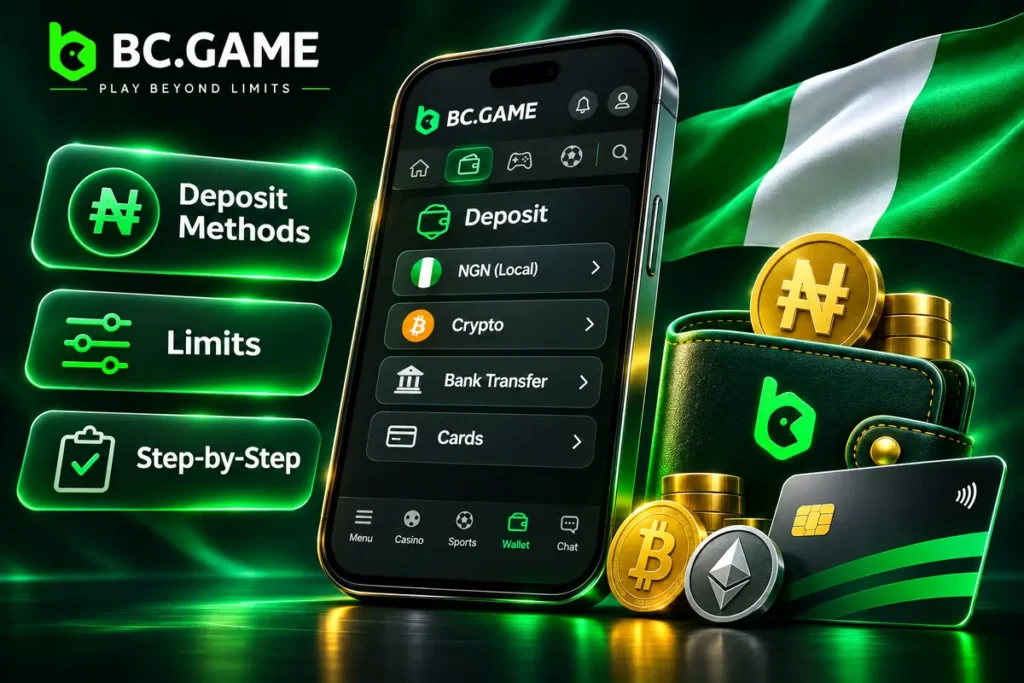
- Overview of BC.Game Deposit Methods and Payment Infrastructure in Nigeria
- Step-by-Step Instructions: How to Deposit on BC.Game in Nigeria
- BC.Game Deposit Time and Maximum Payout Limits Explained
- Troubleshooting Any BC.Game Deposit Problem in Nigeria
- Mobile Deposits: Accessing BC.Game Deposit Features on Android and iOS
- Technical Specifications and Account Security Best Practices
- Frequently Asked Questions About BC.Game Deposits in Nigeria (FAQ)

Overview of BC.Game Deposit Methods and Payment Infrastructure in Nigeria
The cashier opens from the Deposit button and splits into two tabs. The Fiat tab is the one most Nigerian players use, because it accepts Naira and shows local payment tiles. The Crypto tab is for players who already hold coins and want to send them straight to a deposit address. Choosing between the BC Game deposit methods starts with one question: where does the money sit today? A bank balance points to the Naira tiles, while a wallet app with coins points to the Crypto tab. Table 1 shows the methods and amounts that appeared for an NGN account.
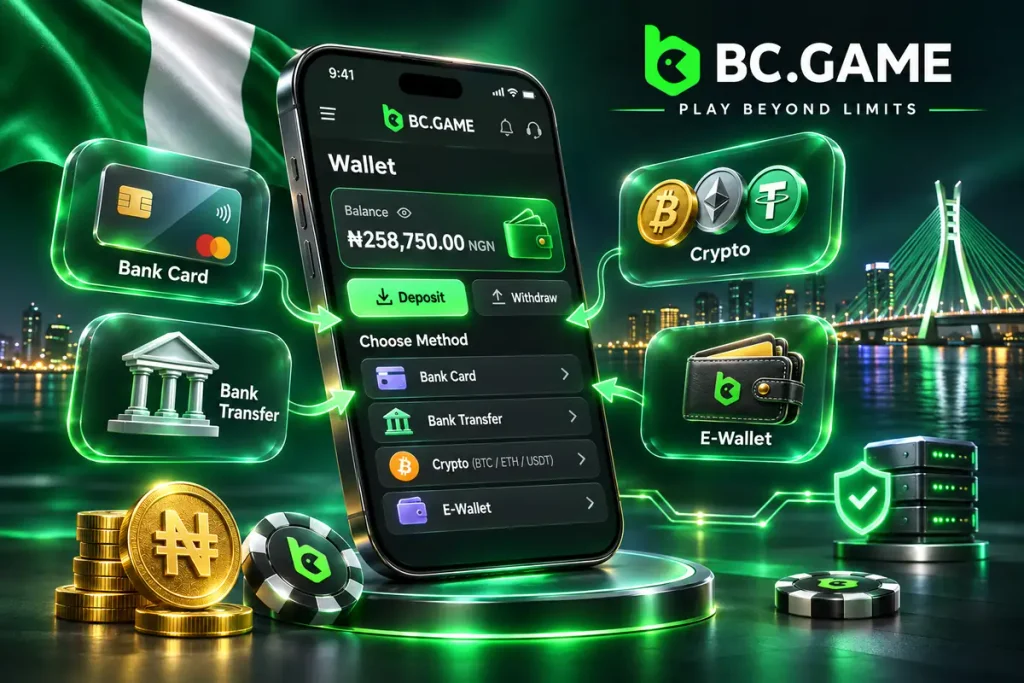
Table 1. BC.Game Deposit Methods, Limits & Processing Time in Nigeria
| Payment Method | Currency | Minimum Deposit | Processing Time | Recommended Use |
|---|---|---|---|---|
| OPay | NGN | ₦1,000 | Order window of about 30 minutes | Quick payment from an OPay wallet |
| Bank Transfer | NGN | ₦1,000 | Shown on the payment page | Payment from any bank app |
| PalmPay | NGN | ₦1,000 | Shown on the payment page | Payment from a PalmPay wallet |
| Credit Card | NGN | ₦1,000 | Shown at checkout | Nigerian Visa or Mastercard holders |
| USDT (Tron TRC20) | USDT | 1 USDT | After network confirmation | Stablecoin deposits |
| BTC (Segwit) | BTC | 0.00001 BTC | After 2 network confirmations | Bitcoin deposits |
| ETH (ERC20) | ETH | 0.0002 ETH | After network confirmation | Ethereum deposits |
Available Fiat and Crypto Channels for Nigerian Players
Local and crypto channels do not compete, they cover different habits. A player who keeps money in a bank app has three Naira routes and a card option. A player who keeps savings in coins has four named tabs and a longer list behind the More button. Points that make the channels convenient:
- the Naira tiles (OPay, Bank Transfer, PalmPay and Credit Card) sit in one row, so switching between them takes a single click;
- Nigerian banks and fintech wallets are reached through the payment page that opens after the amount is submitted;
- crypto deposits skip the bank step and arrive on a deposit address with a QR code;
- MetaMask and WalletConnect appear as ways to send a crypto deposit from a wallet app;
- every Naira method shows its own amount range above the entry box, so the limit is visible before payment.










Understanding BC.Game Minimum Deposit and Threshold Policies
The BC Game minimum deposit in Naira is ₦1,000 on all four fiat methods. The ceiling is ₦5,000,000 on OPay, Bank Transfer and credit cards and ₦1,000,000 on PalmPay. A second figure matters for bonus hunters: the cashier states that ₦2,000 is the minimum deposit on BC Game that counts toward the deposit bonus, and the quick-pick amounts from ₦2,000 up to ₦20,000 carry a +180% tag. Crypto thresholds are set in coins, with 1 USDT on Tron, 1 USDC on Base, 0.0002 ETH on Ethereum and 0.00001 BTC on Segwit. A deposit under these thresholds is not credited, so the minimum is worth checking before any transfer is sent. The deposit bonus has its own rules. The Monthly Deposit Bonus offers four stages a month at 180%, 240%, 300% and 360%, paid as locked RakeBack rewards that are claimed by hand after the deposit and released as wagers settle. The counter resets on the 1st of each month at 00:00 UTC, and the View Bonus Details link inside the cashier opens a calculator for the exact amount.
Step-by-Step Instructions: How to Deposit on BC.Game in Nigeria
This part answers how can I deposit on BC Game in a few minutes using Naira, and what to do on the payment page. The order is the same for every Naira method, and the method tile is the only thing that changes. Anyone who wonders how to deposit on BC Game for the first time can treat the list below as a checklist, ticking each point before moving on. Open the banking app before starting, since the order has a time limit.
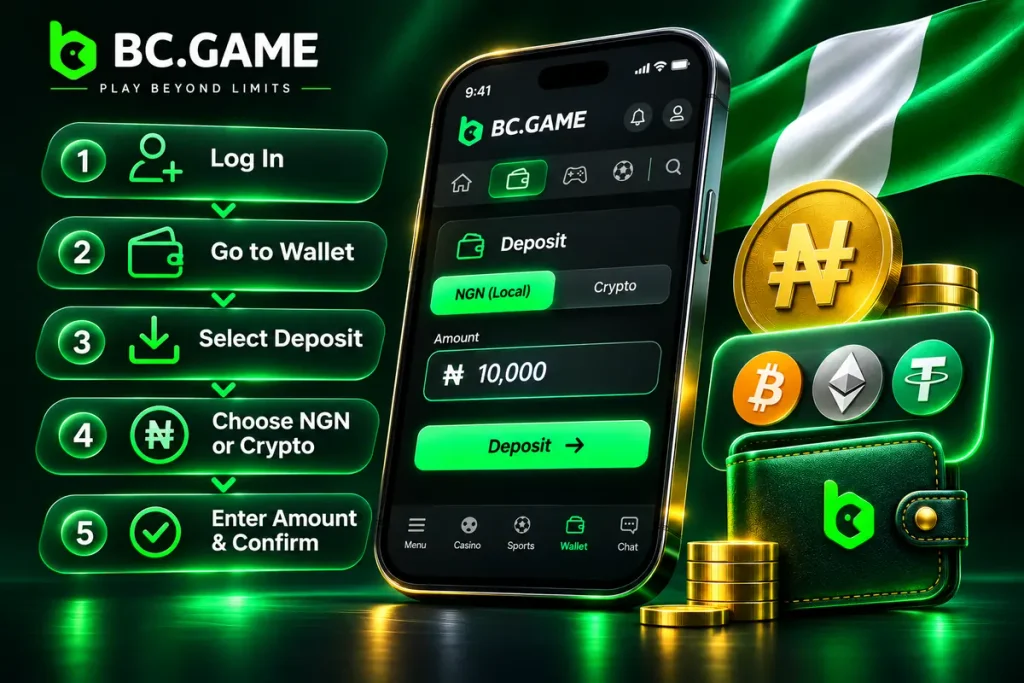
Complete Walkthrough on How to Deposit Money in BC.Game via Bank Transfer
The sequence below explains how to deposit on BC Game, how to deposit in BC Game and how to deposit money on BC Game from a Nigerian bank account. It works for how to deposit money in BC Game with OPay or PalmPay as well.
- Open the official BC Game site and sign in to the account;
- Click Deposit in the top navigation to open the cashier;
- Choose the currency, NGN on the Fiat tab or USDT and other coins on the Crypto tab;
- Pick the payment tile that matches your money, such as Bank Transfer;
- Enter the amount, at least ₦1,000, and note the range printed above the box;
- Click the green Deposit Via Bank Transfer button to open the payment page and follow its instructions, paying the exact amount requested;
- Return to the site, check the balance and open Transactions to confirm the deposit.
The cashier adds three reminders: the transfer amount has to match the submitted amount, an Order ID can be used only once, and the deposit guideline must be followed or the deposit may go missing. After the balance changes, one more check is worth making. A deposit of ₦2,000 or more shows a bonus tag, but the reward is not added on its own: it has to be claimed manually, and it lands in a locked balance. A smaller top-up still works as a normal deposit, just without the bonus. Players who repeat how to deposit money on BC Game each week usually keep to one method, because the order, the limits and the payment page stay familiar.
Depositing via Local Fintech Apps: OPay, PalmPay, and Kuda
OPay and PalmPay have dedicated tiles, so no bank details are typed by hand. The OPay page lists the merchant name, the total in Naira and a 30-minute countdown, then asks for the phone number in +234 format and the 6-digit OPay login password. The OPay password is typed only on this page, which opens from the cashier of the official site, and it is never shared with anyone. A line at the bottom states that the service is licensed by the CBN and insured by the NDIC. PalmPay works with a lower ceiling of ₦1,000,000. Kuda has no tile of its own, so Kuda customers send a Bank Transfer payment instead. The supported options in short:
- OPay, with the phone number and 6-digit password of the OPay account;
- PalmPay, for amounts from ₦1,000 to ₦1,000,000;
- Bank Transfer, the open route for Kuda and other banks;
- Credit Card, accepted from Nigerian cards only.
BC.Game Deposit Time and Maximum Payout Limits Explained
Two numbers decide how comfortable the cashier feels: how soon a deposit appears and how much can come back out. Neither is printed on the deposit screen in one line, so this section collects what is visible. Table 3 puts minimum deposits next to the payout side.
Table 3. BC.Game Maximum Payout & Transaction Thresholds Overview
| Asset Type | Min Deposit | Max Payout Limit | Security Level |
|---|---|---|---|
| NGN via OPay | ₦1,000 | Shown on the Withdraw screen | Payment page login, KYC before first withdrawal |
| NGN via Bank Transfer | ₦1,000 | Shown on the Withdraw screen | Matching amount, single-use Order ID, KYC before first withdrawal |
| NGN via PalmPay | ₦1,000 | Shown on the Withdraw screen | Payment page, KYC before first withdrawal |
| NGN via Credit Card | ₦1,000 | Monthly limits depend on VIP level | Nigerian cards only, KYC before first withdrawal |
| USDT (Tron TRC20) | 1 USDT | No single public cap, shown on the Withdraw screen | Correct network, 2FA code, KYC before first withdrawal |
| BTC (Segwit) | 0.00001 BTC | No single public cap, shown on the Withdraw screen | 2 confirmations, 2FA code, KYC before first withdrawal |
| ETH (ERC20) | 0.0002 ETH | No single public cap, shown on the Withdraw screen | Correct network, 2FA code, KYC before first withdrawal |
Analyzing BC.Game Deposit Time Across Different Networks
BC Game deposit time depends on the route more than on the platform. A Naira payment lives inside a payment order, and the OPay page gives about 30 minutes to complete it. Once the bank or wallet confirms the payment, the credit follows, and the Transactions list shows the result. Crypto follows the blockchain: Bitcoin deposits are credited after 2 network confirmations, while USDT on Tron and ETH on Ethereum wait for the confirmations required on their networks. No exact minutes are promised on the deposit screens, so the practical rule is to watch the payment status in the banking app first and the BC Game balance second. A transfer sent to the wrong network does not benefit from any waiting. For a quick estimate, a BC Game deposit time of a few minutes is normal for a payment confirmed at once, while anything beyond the order window means the payment should be traced instead of repeated.
Understanding BC.Game Maximum Payout Thresholds
The phrase BC Game maximum payout can mean two things. For cashing out, no single public cap is printed, and the upper limit depends on the method and is displayed on the Withdraw screen. For cards, monthly limits depend on the VIP level. Crypto withdrawals carry a 0.1% fee plus the network fee, and the first withdrawal needs completed KYC. Bet-level payout caps for individual games are stated inside each game, so a big win in one round is read against the rules of that game. Players with larger turnover usually see more room as the VIP level grows, but exact amounts should be read in the account, not guessed from a table. A BC Game maximum payout quoted on a forum or in a video may belong to another country, another method or an older rule set. The Withdraw screen of the Nigerian account is the only figure that applies to that account, and it is worth checking before a large deposit is planned around a payout target.
Troubleshooting Any BC.Game Deposit Problem in Nigeria
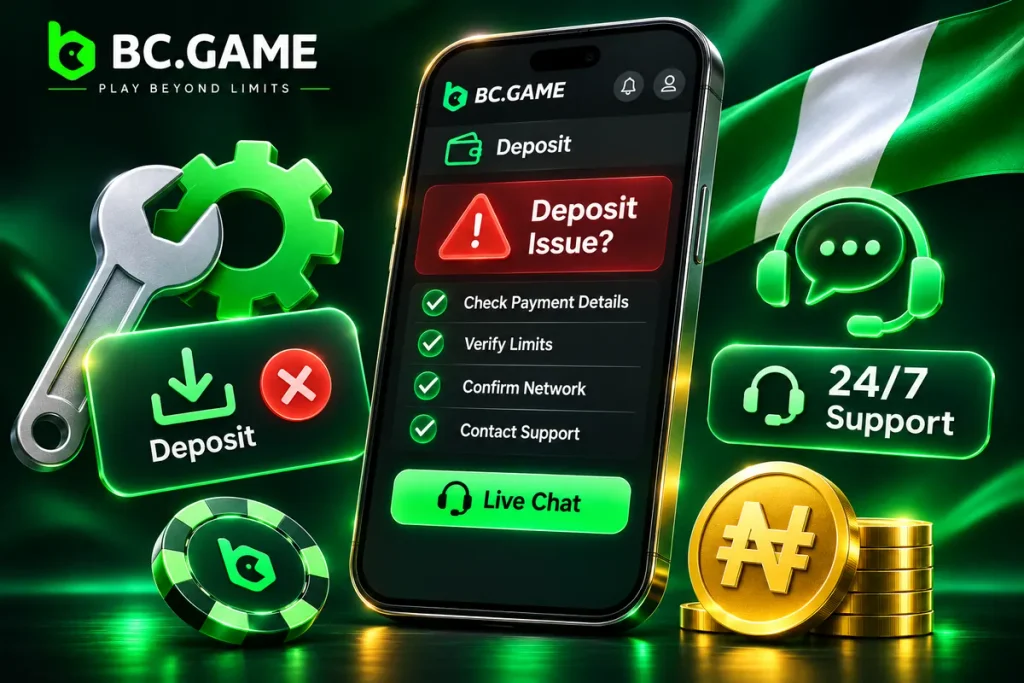
A BC Game deposit problem is usually small, and most cases come down to an amount, a time limit or a network. The sections below list the common causes and the order in which to fix them.
Common Causes of Deposit Delays and Failed Transactions
When a payment leaves the bank but does not reach the balance, the reason is often one of these:
- the sent amount differs from the amount submitted in the cashier;
- the payment order expired after the time window and the transfer was made late;
- an Order ID was used a second time;
- a delay on the bank or interbank side that the player cannot influence;
- a crypto transfer was sent on the wrong network or in the wrong coin;
- a crypto amount fell below the minimum, such as under 1 USDT on Tron;
- a card that is not a Nigerian card was used on the Credit Card tile.
Step-by-Step Resolution and Contacting 24/7 Support
Keep the order below and avoid a second payment until the first one is explained. Each item helps the agent find the order faster.
- Check the banking app and confirm that the money was debited and what status it shows;
- Find the Order ID in the cashier and the entry in Transactions;
- Save the receipt or proof of payment with the reference number;
- Compare the sent amount with the submitted one, and the time with the order window;
- Open the live chat, which the help centre describes as available around the clock;
- Send the Order ID, receipt, amount and time, then follow the agent instructions.
Support can be reached through several channels, listed on the official contacts page and in the Help Center. Recommended use of each:
- the live chat on the site and in the app for urgent payment cases;
- the e-mail address [email protected] for cases that need screenshots and a longer description;
- the Telegram and Discord community channels for general questions, not for sharing receipts or account data;
- the Help Center articles on deposits for rules and limits before any ticket is opened.
Mobile Deposits: Accessing BC.Game Deposit Features on Android and iOS
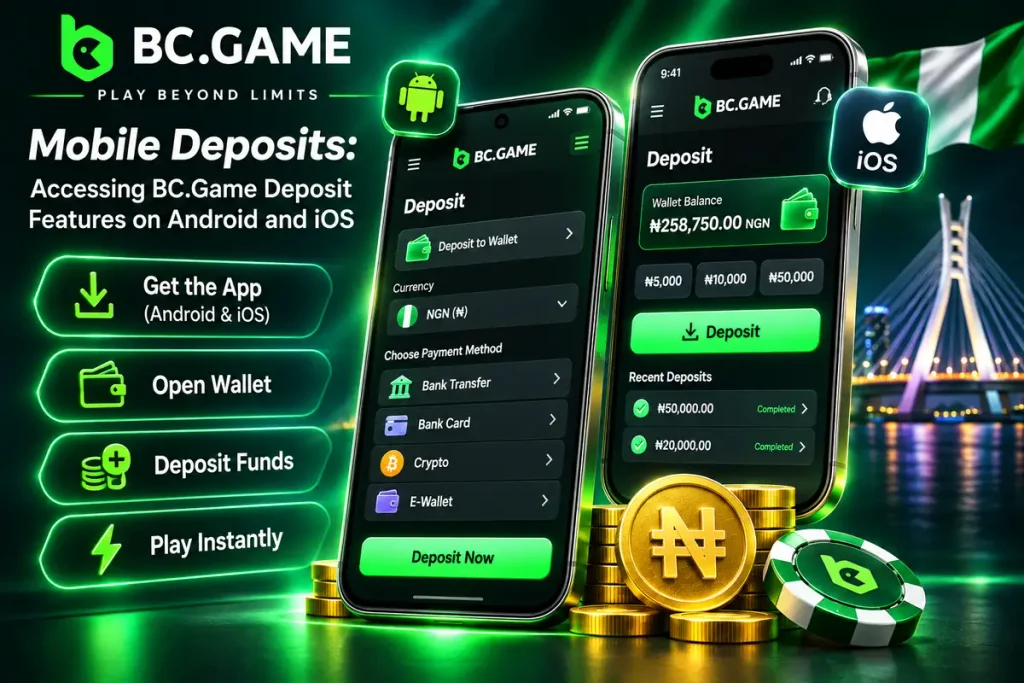
The cashier works on a phone just like on a laptop, in a mobile browser or in the app. The setup differs by system: Android installs a file from the official site, while iPhone has an App Store route and a Safari shortcut. Once installed, the BC Game deposit screen is reached by the same Deposit button, and how to deposit on BC Game from the phone is no different from the desktop route: choose NGN, choose the tile, enter the amount and follow the payment page.
Making Deposits Using the Android APK
The APK comes from the official BC Game app page. Unknown-source installs should be enabled for the browser only for the moment of installation. Steps:
- Open Chrome on the Android phone and go to the BC Game site;
- Download the APK from the mobile app section, using the button or the QR code;
- Allow installation from unknown sources in the phone settings;
- Run the downloaded file and finish the installation;
- Sign in, open the cashier and make a BC Game deposit from the phone.
Setting Up the iOS Web App (PWA) on Apple Devices
Apple owners can follow the app page to the App Store route or create a Safari shortcut. The shortcut is an icon for the website and not a standalone app, and the result varies with the iOS version. Steps:
- Open the BC Game site in Safari on the iPhone;
- Tap the Share button on the bottom toolbar;
- Select Add to Home Screen;
- Confirm the shortcut and open it from the home screen when a deposit is needed.
Technical Specifications and Account Security Best Practices
Phone requirements stay light, since the app mostly shows the site, but a few differences between Android and iPhone are worth knowing. Table 2 compares them.
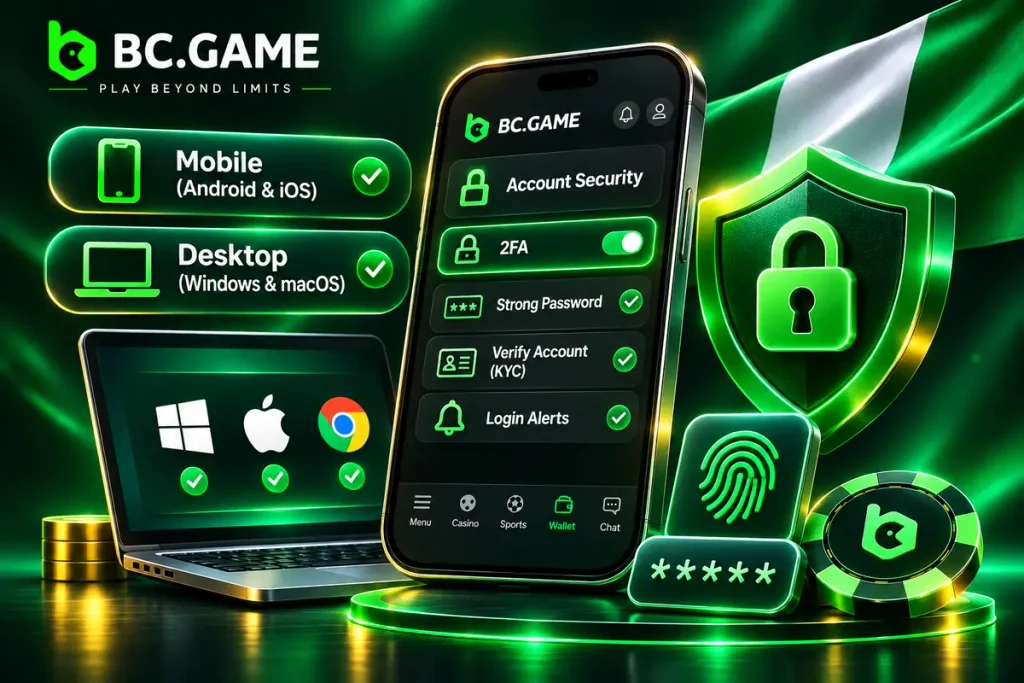
Table 2. Technical Specifications for BC.Game Mobile App (Android APK & iOS PWA)
| Parameter | Android APK | iOS PWA | Recommended Spec |
|---|---|---|---|
| Where it comes from | APK on the official app page | App page link or Safari shortcut | Official site only |
| Browser for setup | Chrome | Safari | Current browser version |
| Store listing | Not needed | App Store route offered on the app page | Check the app page first |
| Updates | Newer APK from the official page | Follows the website | Reload after updates |
| Permission needed | Unknown-source install | None for the shortcut | Turn the permission off afterwards |
| Deposit screen | Same cashier as desktop | Same cashier as desktop | Stable connection |
| Sign-in protection | 2FA and passkey | 2FA and passkey | Biometric lock on the phone |
Protecting Your Funds with 2FA and Secure Banking Habits
Account protection starts before any deposit. BC Game runs under an Anjouan licence (ALSI-202410011-FI1) held by Twocent Technology Limited, which is a foreign licence and not a Nigerian one, so players should check local rules on online entertainment before registering or playing. Safe habits for every payment:
- switch on Google Authenticator and keep its recovery details in a safe place;
- compare the account details or amount on the payment page with the cashier before every transfer;
- use the official site address only and avoid links received in chats;
- send crypto only on the network named in the cashier and in the coin shown;
- use a protected mobile network or trusted Wi-Fi when making payments.
Frequently Asked Questions About BC.Game Deposits in Nigeria (FAQ)
How to deposit on BC.Game in Nigeria using local currency?
To learn how to deposit on BC Game in Nigeria, how to deposit in BC Game, or how to deposit money in BC Game with Naira, open the cashier, select NGN on the Fiat tab, choose a local method such as Bank Transfer, enter at least ₦1,000 and follow the payment page, sending the exact amount from your banking app.
What is the minimum deposit on BC.Game for Nigerian players?
The BC Game minimum deposit is ₦1,000 on OPay, Bank Transfer, PalmPay and credit cards. The minimum deposit on BC Game for the deposit bonus is ₦2,000. For crypto, the minimum is set in coins, such as 1 USDT on Tron.
How long is the typical bc game deposit time?
BC Game deposit time is not fixed on the deposit screens. A Naira order stays open for about 30 minutes, and the credit follows once the payment is confirmed. Crypto deposits appear after the required network confirmations, which for Bitcoin means 2.
What should I do if I encounter a bc game deposit problem?
If a BC Game deposit problem appears, save the receipt, check the status in the banking app, note the Order ID and open the live chat. Do not pay twice for the same order, and send the Order ID, amount and time to the agent.