

How to Fund BC.Game Account with Naira: Official BC.Game Wallet Nigeria Guide
- Overview of the BC.Game Wallet and Payment Infrastructure in Nigeria
- Step-by-Step Instructions: How to Fund BC.Game Account with Naira
- Navigating the BC.Game Wallet Settings and Account Security
- Funding via Cryptocurrencies Alongside Local NGN Payments
- Mobile Deposits: Accessing the BC.Game Wallet on Android and iOS
- Mobile Specifications and Transaction Limits in Nigeria
- Troubleshooting Deposit Issues and Customer Support in Nigeria
- Frequently Asked Questions About Funding BC.Game Account in Nigeria (FAQ)

Overview of the BC.Game Wallet and Payment Infrastructure in Nigeria
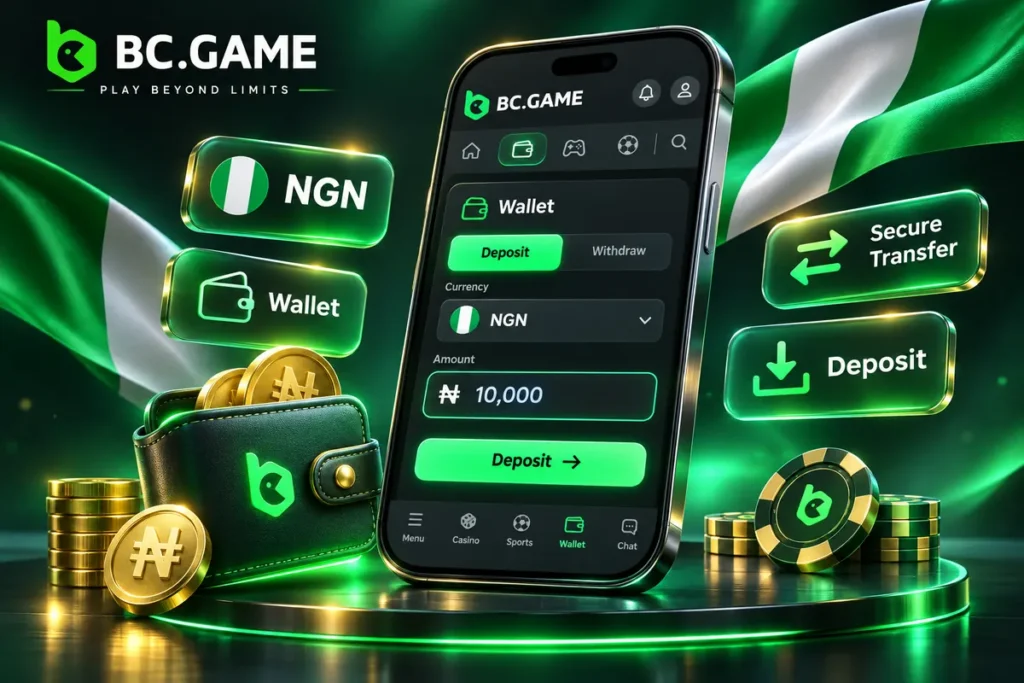
The BC Game wallet is the part of the account that stores every balance and opens the cashier. For a player in Nigeria it works in two layers. The fiat layer lets you pick NGN as the currency and pay through local rails. The crypto layer gives each coin its own network and deposit address. One Deposit button opens both, with the Crypto and Fiat tabs sitting at the top of the same window. Table 1 lists what the cashier displayed for Nigeria at the time of checking.
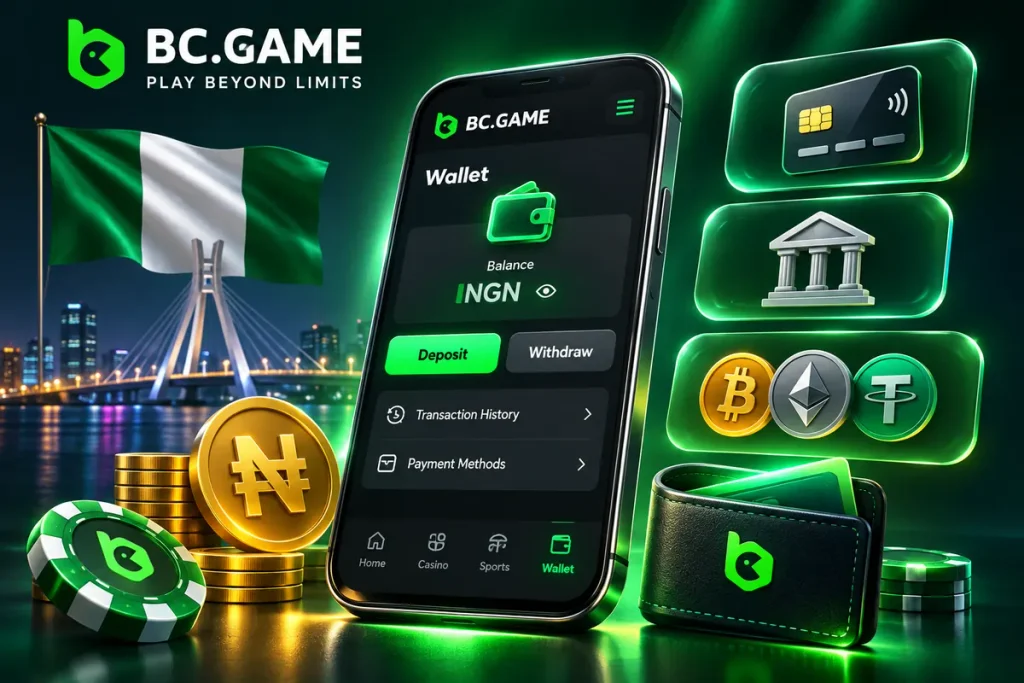
Table 1. Supported NGN & Crypto Payment Methods on BC.Game Nigeria
| Payment Channel | Currency | Min Deposit | Processing Speed | Recommended For |
|---|---|---|---|---|
| OPay | NGN | ₦1,000 | Payment order stays open for about 30 minutes | Players with an OPay wallet |
| Bank Transfer | NGN | ₦1,000 | Timing is shown on the payment page | Players who pay from a bank app |
| PalmPay | NGN | ₦1,000 | Timing is shown on the payment page | Players with a PalmPay wallet |
| Credit Card | NGN | ₦1,000 | Card payment, Nigerian cards only | Holders of a Nigerian Visa or Mastercard |
| USDT (Tron TRC20) | USDT | 1 USDT | Credited after network confirmation | Players holding stablecoins |
| BTC (Segwit) | BTC | 0.00001 BTC | Credited after 2 network confirmations | Bitcoin holders |
| ETH (ERC20) | ETH | 0.0002 ETH | Credited after network confirmation | Ethereum holders |
Multi-Currency Support: Managing NGN and Crypto Balances
Balances in the BC Game wallet are kept per currency, so a Naira deposit does not touch a USDT balance and the other way round. The currency selector inside the BC Game wallet cashier decides which payment methods appear. Switching it from NGN to a coin replaces OPay, Bank Transfer and PalmPay with a network picker and a deposit address. A few features make the wallet easy to follow for everyday use:
- NGN can be selected as a fiat currency directly in the Deposit window;
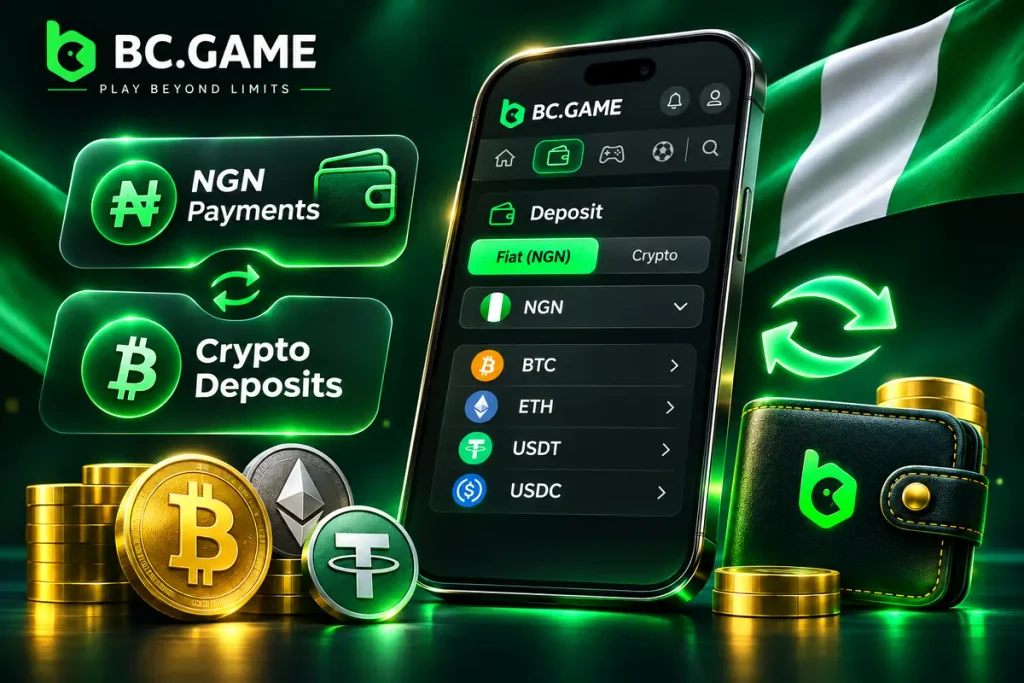
- ETH, BTC, USDT and USDC sit on the quick tabs of the Crypto side, with more coins behind the More button;
- the Swap section of the Wallet menu converts one balance into another when a different currency is needed;
- the Transactions section keeps a record of every incoming and outgoing operation;
- a toggle hides empty balances, which shortens the list for players using only one or two currencies.








Instant Processing and Low Transaction Thresholds
The entry point is low. Every NGN method accepts a first payment from ₦1,000, and the Naira range on OPay, Bank Transfer and credit cards reaches ₦5,000,000. PalmPay stops at ₦1,000,000. A line under the amount box adds that a deposit of at least ₦2,000 qualifies for the deposit bonus, and the quick-pick buttons from ₦2,000 upward carry a +180% tag. Processing time is not printed on the deposit screen. The OPay page shows a countdown of roughly half an hour, which means the order is meant to be finished in one sitting rather than left open for the evening.
Step-by-Step Instructions: How to Fund BC.Game Account with Naira
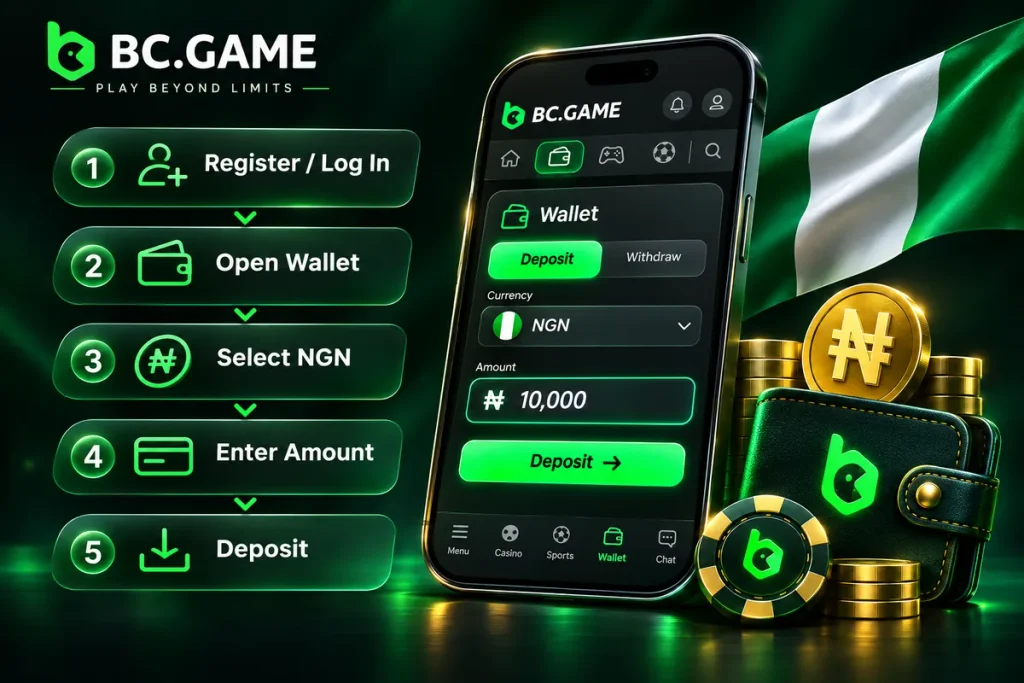
The route for how to fund BC Game account with Naira is the same for every NGN method up to the moment the payment page opens. After that, the instructions depend on the method selected, so the next sections describe the local options one by one. Keep the banking app open on the phone before starting, because the payment order has a time limit.
Detailed Walkthrough on How to Fund BC.Game Account with Naira via Bank Transfer
Here is how to fund BC Game account with Naira through Bank Transfer. The same order applies to OPay and PalmPay, only the method tile changes.
- Open the official BC Game site and sign in to your account;
- Click Deposit in the top bar to open the cashier with the BC Game wallet balances;
- Stay on the Fiat tab and set the currency to NGN;
- Select Bank Transfer, or OPay or PalmPay if the money sits in those apps;
- Type an amount between ₦1,000 and ₦5,000,000, and use ₦2,000 or more if the deposit bonus matters;
- Click Deposit Via Bank Transfer and follow the instructions on the payment page, sending exactly the amount requested;
- Wait for the balance to update, then open Transactions in the wallet to confirm the entry.
A notice in the cashier repeats three rules. The transfer amount has to match the amount submitted. Each Order ID works only once. The deposit guideline must be followed, or the payment may be missing from the balance.
Depositing via Nigerian Fintech Apps: OPay, PalmPay, and Kuda
OPay opens a separate payment page. It names the merchant (Blockdance Africa Limited at the time of checking), shows the total in Naira and counts down from about 30 minutes. Payment is made with the phone number registered at OPay in the +234 format and the 6-digit OPay login password, and the page carries a note that the payment service is licensed by the CBN and insured by the NDIC. Confirm that the amount on this page equals the amount entered in the cashier before pressing Next. The OPay password belongs only on this page, which opens from the cashier of the official site, and it should never be sent to anyone, support agents included. PalmPay follows the same pattern with a lower ceiling of ₦1,000,000. Kuda does not appear as a separate tile in the cashier, so a Kuda customer should use Bank Transfer and follow the page that opens. The fintech and card options visible in the cashier are:
- OPay, paid with the phone number and 6-digit password of the OPay account;
- PalmPay, available for amounts from ₦1,000 up to ₦1,000,000;
- Bank Transfer, the route for customers of banks and apps that have no tile of their own, Kuda included;
- Credit Card, restricted by a pop-up to Nigerian cards only, with monthly limits that depend on the VIP level.
Navigating the BC.Game Wallet Settings and Account Security
Most mistakes in the BC Game wallet come from picking the wrong currency or the wrong tab, not from the payment itself. A quick tour of the menu saves time, and a few security settings protect the balance from the first day. The wallet menu is available on desktop and in the mobile app in the same order.
Key Features and Controls Inside the BC.Game Wallet
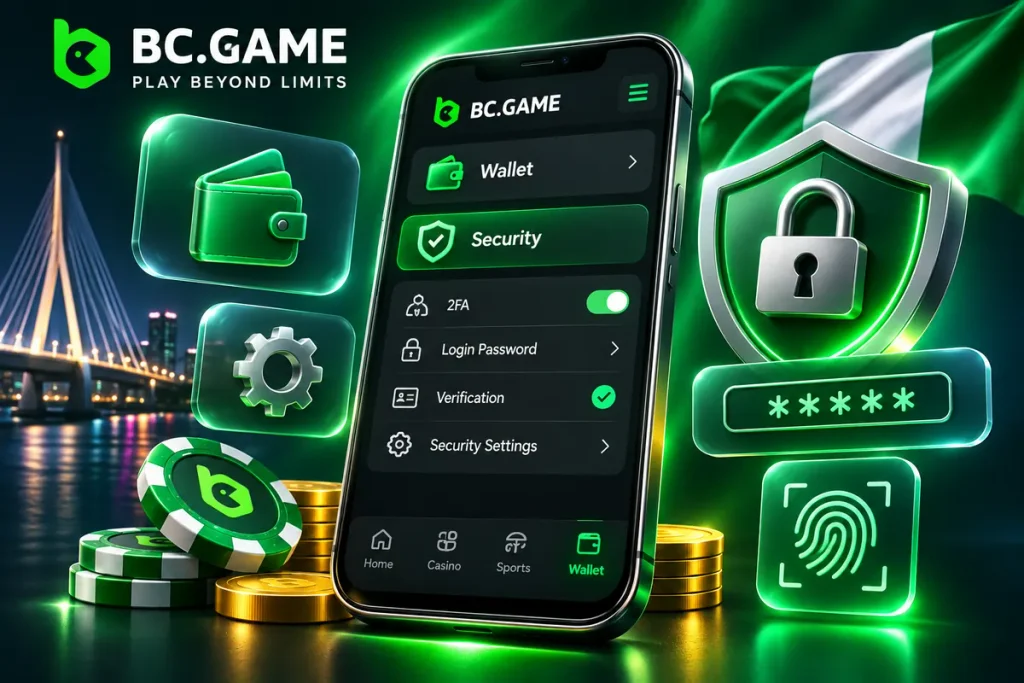
The wallet menu gathers balance, deposit, withdrawal, swap, transactions, rollover and bet history in one place. Here is the order to set it up for Naira play:
- Open the Wallet section from the side menu;
- Choose the Deposit tab to add money or the Withdraw tab to cash out, since each has its own list of methods;
- Select NGN as the working currency, so amounts and balances read in Naira;
- Open Transactions and check that every deposit shows up with the right amount and status;
- Check the rollover section when a bonus is active, since wagering progress for locked rewards is tracked there.
Account Security: Protecting Your Wallet with 2FA
Money sitting in the BC Game wallet deserves the same care as a bank login. Withdrawals ask for a confirmation code, and several protection layers are available in the security settings. Licence details also belong here: BC Game operates under an Anjouan licence (ALSI-202410011-FI1) held by Twocent Technology Limited. That is a foreign licence rather than a Nigerian one, so it is sensible to check local rules on online entertainment before registering or playing. Habits worth adopting:
- link Google Authenticator as the 2FA app and keep its recovery details safe;
- add a passkey in the security settings if the phone supports fingerprint or face recognition;
- confirm the e-mail address and use a password that appears nowhere else;
- review the list of active sessions from time to time and close the ones that are not yours;
- open the site only through the official address and never share the code from the authenticator.
Funding via Cryptocurrencies Alongside Local NGN Payments
Not every player wants to route Naira through a bank app. Some keep savings in stablecoins or already hold coins on an exchange. The Crypto tab covers that need and works independently from the NGN methods, so one account can use both.
Supported Cryptocurrencies and P2P Integration
The Crypto tab opens with ETH, BTC, USDT and USDC, and the More button leads to a longer list that includes DOGE and others. Each coin offers a network choice, a QR code and a deposit address, with an option to pay from MetaMask or WalletConnect. The screens show these minimums: 0.0002 ETH on the Ethereum (ERC20) network, 0.00001 BTC on Segwit with 2 network confirmations, 1 USDT on Tron (TRC20) and 1 USDC on Base. Anything below the minimum is not credited, and only the selected coin should be sent to the address. Buying coins from another person on a Nigerian P2P market is a separate step that happens outside BC Game, because the cashier only receives the finished transfer. If a coin is missing from the list, the Add here link under the tabs is the place to look.
Comparing NGN Bank Transfers vs. Crypto Deposits in Nigeria
The two routes solve different problems. A Naira deposit keeps everything in local money, needs no exchange and takes minutes of attention in a banking app, but the payment order expires after about half an hour and the amount has to match exactly. A crypto deposit has no bank step and no fixed payment window, yet the network decides the speed, a wrong network can lose the coins, and the sender pays the network fee. Players who spend only in Naira usually stay on bank transfer or OPay. Players who already hold USDT often prefer the Tron network because the minimum is a single coin. Anyone who is still working out how to fund BC Game account with Naira for the first time is better off starting with the bank route.
Mobile Deposits: Accessing the BC.Game Wallet on Android and iOS
The cashier and the BC Game wallet look the same on a phone as on a desktop, so every step above works from a mobile browser or the app. The difference is how the app reaches the device. Android uses a file downloaded from the official site, and iPhone owners can start from the same app page.
Android Application Setup and Wallet Access (APK File)
The Android file is an APK taken from the official BC Game app page, not from a store listing. Permission to install from unknown sources should be switched on only for the browser used and switched off again after installation. Steps:
- Open Chrome on the Android phone and go to the BC Game site;
- Download the installation file from the Application page, using the button or the QR code;
- Allow installation from unknown sources in the phone settings when prompted;
- Open the downloaded file and finish the installation;
- Sign in, open the BC Game wallet and make the deposit as described above.
iOS Web App (PWA) Setup on iPhone and iPad
On iPhone and iPad the official app page offers an App Store route and a QR code, and the Safari shortcut below is a quick alternative. A shortcut is only an icon for the website. It is not the same as an installed app, and how it behaves depends on the iOS version. Steps:
- Open the BC Game site in Safari on the iPhone;
- Tap the Share button on the bottom toolbar;
- Choose Add to Home Screen;
- Confirm the name and launch the shortcut from the home screen to reach the wallet faster.
Mobile Specifications and Transaction Limits in Nigeria
Phone requirements are modest, since the app mostly displays the site, but a few details differ between Android and iPhone. Limits depend on the payment type, and the figures in Table 3 come from the deposit screens shown for Nigeria.
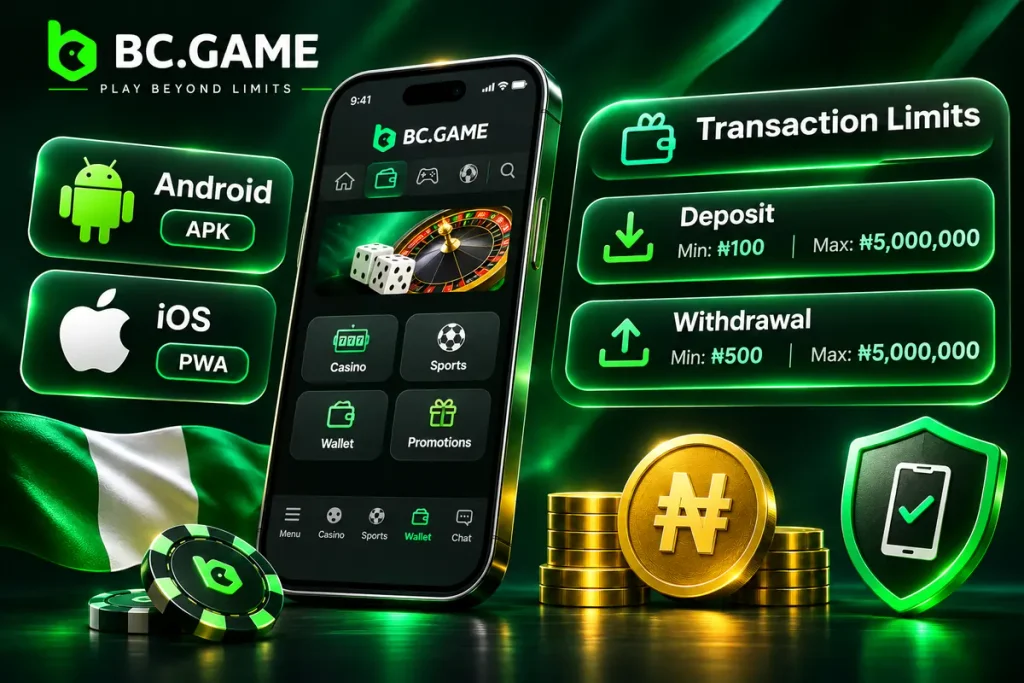
Table 2. Technical Specifications for BC.Game Mobile App (Android APK & iOS PWA)
| Parameter | Android APK | iOS PWA | Recommended Spec |
|---|---|---|---|
| Install source | APK file from the official app page | App page link or Safari shortcut | Use the official site only |
| Browser needed | Chrome for the download | Safari for the shortcut | Latest browser version |
| Store listing | Not required | App Store route offered on the app page | Check the app page before the first step |
| Updates | New APK from the official page | Shortcut follows the website | Refresh after every update |
| Permissions | Unknown-source install for the browser | None for the shortcut | Switch the permission off after install |
| Wallet access | Same cashier as desktop | Same cashier as desktop | Stable mobile data or Wi-Fi |
| Login protection | 2FA, passkey | 2FA, passkey | Fingerprint or face recognition enabled |
Table 3. BC.Game Wallet Transaction Limits & Processing Parameters in Nigeria
| Payment Type | Min Limit | Max Limit | Fee Structure | Verification Level |
|---|---|---|---|---|
| OPay | ₦1,000 | ₦5,000,000 | No fee line on the deposit screen | Payment page login; KYC before first withdrawal |
| Bank Transfer | ₦1,000 | ₦5,000,000 | No fee line on the deposit screen | Matching amount and Order ID; KYC before first withdrawal |
| PalmPay | ₦1,000 | ₦1,000,000 | No fee line on the deposit screen | Payment page; KYC before first withdrawal |
| Credit Card (Nigerian cards) | ₦1,000 | ₦5,000,000, plus monthly limits by VIP level | Check the card issuer | Nigerian card only; KYC before first withdrawal |
| Crypto deposit | 1 USDT, 0.00001 BTC, 0.0002 ETH | No cap shown | Network fee paid by the sender | Correct network and coin required |
| Crypto withdrawal | Shown on the Withdraw screen | Shown on the Withdraw screen | 0.1% plus network fee | 2FA code; KYC before first withdrawal |
Minimum Deposit Rules and KYC Verification Requirements
Low entry amounts do not remove identity checks. KYC has to be completed before the first withdrawal, and the platform may ask for documents at other moments too. Short rules to keep in mind:
- the smallest Naira deposit is ₦1,000 on every NGN method;
- a deposit of ₦2,000 or more is where the +180% bonus tag begins;
- the first withdrawal is blocked until KYC is finished, so it is better to upload documents early;
- extra documents can be requested later, and some services may stay limited until the check is complete;
- the exact limits shown on the Deposit and Withdraw screens of your account decide, not the numbers in a table.
Troubleshooting Deposit Issues and Customer Support in Nigeria
Most delayed payments have a simple cause, and most of them are visible in the banking app within a minute. The sections below separate what can be checked alone from what needs a ticket.
What to Do If Your NGN Transfer Is Delayed
Start with the bank or OPay statement and look at the status of the payment. A debit with no credit on the BC Game wallet balance usually points to the payment order, so find the Order ID in the cashier and keep a screenshot of the receipt with the reference. Compare the sent amount with the one requested, because a different amount can fail to match. Check the time as well, since an order that expired after about 30 minutes should not be paid again. Do not make a second payment on the same order. When the balance still has not changed, send the Order ID, the receipt, the amount and the time to support.
Contacting 24/7 Live Support for Wallet Assistance
The help centre describes a live chat available around the clock, and the chat sits on the website and in the app. A support request about a missing deposit goes faster when it carries the details collected above. Channels to use:
- the live chat on the site and in the app, the quickest way to reach an agent;
- the e-mail address [email protected] for longer cases with screenshots attached;
- the community channels on Telegram and Discord listed on the official contacts page;
- the Help Center articles for deposit rules before opening a ticket.
Frequently Asked Questions About Funding BC.Game Account in Nigeria (FAQ)
How to fund BC.Game account with Naira quickly in Nigeria?
This is how to fund BC Game account with Naira in a few minutes: sign in, press Deposit to open the BC Game wallet, stay on the Fiat tab, select NGN, choose Bank Transfer, OPay or PalmPay, enter at least ₦1,000 and follow the payment page. Pay the exact amount from your banking app within the time shown, then check Transactions for the credit.
Can I use local Nigerian bank apps like OPay or PalmPay on BC.Game?
Yes. OPay and PalmPay both have their own tiles in the BC Game wallet cashier. Customers of other banks and apps, Kuda included, can use the Bank Transfer tile, and Nigerian Visa or Mastercard holders can choose Credit Card.
What is the minimum deposit limit when using the BC.Game wallet in NGN?
The cashier shows ₦1,000 as the lowest amount on OPay, Bank Transfer, PalmPay and credit cards. A deposit of ₦2,000 or more is the starting point for the deposit bonus. The final range for each method is displayed above the amount box.
Is it safe to deposit funds into the BC.Game wallet from Nigeria?
No payment route is free of risk, but several protections are in place: 2FA with Google Authenticator, passkeys, KYC before the first withdrawal, a matching-amount rule and single-use Order IDs. The OPay page also displays CBN licensing and NDIC insurance. BC Game works under an Anjouan licence, which is foreign, so check local rules on online entertainment and use only the official site.